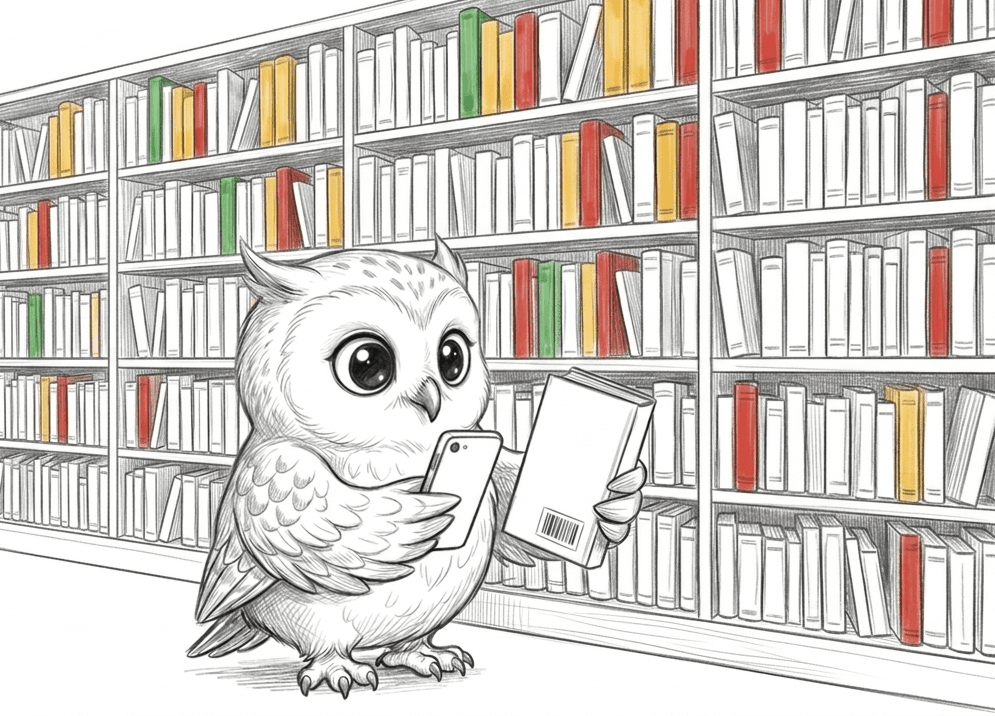
Never hit a surprise
again.
Peek checks any book against what matters to you — scan the barcode, read the report, decide before page one.
No account required · Your preferences never leave your iPhone
Never hit a surprise again.
Peek checks any book against what matters to you. Scan the barcode in the aisle — or search by title — and get a content report matched to your own preferences, before page one.
The whole check happens in the aisle.
Scan
Point your iPhone at the barcode on the back cover — or search by title and author when there's no barcode to scan.
Check
Peek pulls the book's content report: a dozen dimensions — violence, profanity, romance, endings, and more — described as levels, never judgments.
Decide
Your iPhone scores the book against the preferences you set. A match for you is exactly that — a match for you, decided right there in the aisle.
Levels, not judgments.
Peek never calls a book good or bad. A report describes what's inside — how much, how graphic, how central — and your own preferences decide what counts. The same book can be a green match for one reader and a red one for another, and both are right.
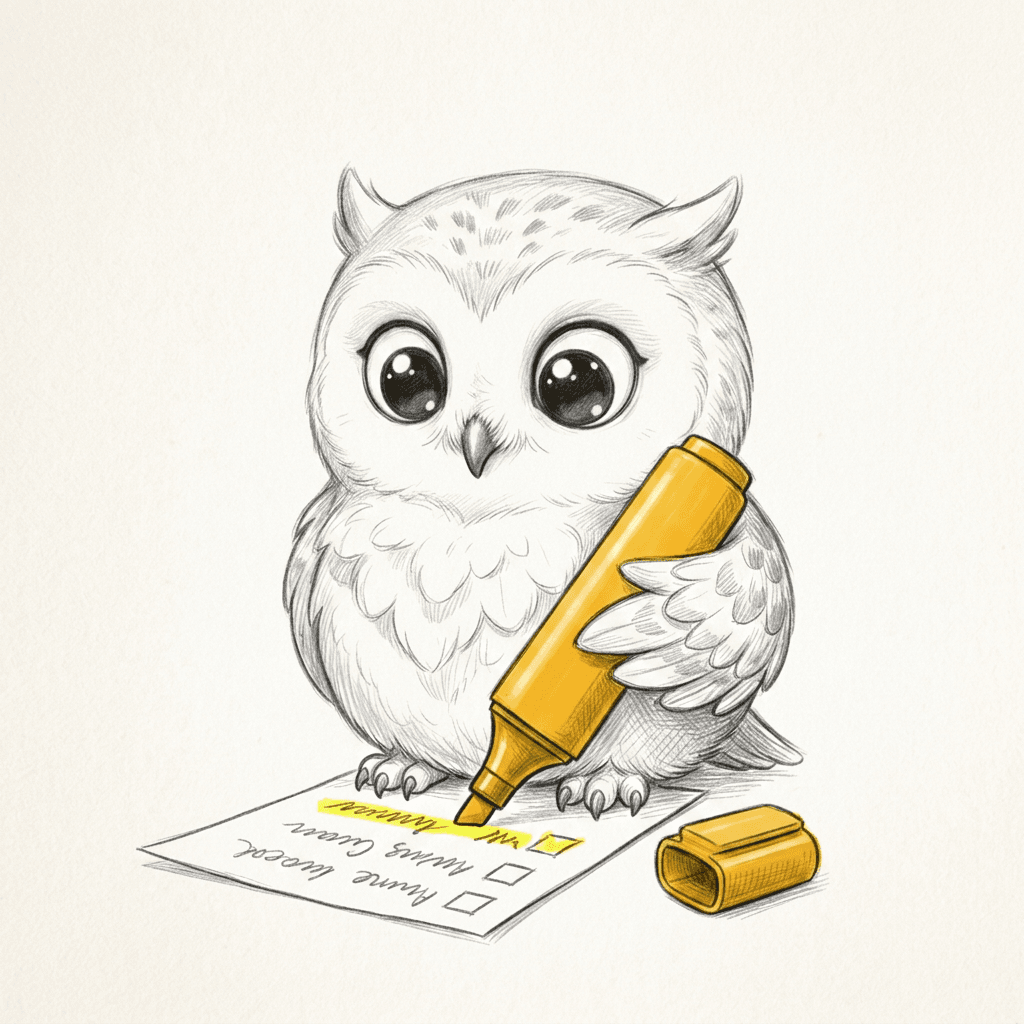
Your preferences never leave your iPhone.
No account
No sign-up, no email, no password. Open the app and scan.
Scored on your iPhone
Your preferences and every match verdict live on your device and are never uploaded. The only thing Peek sends is the book you look up.
Barcodes only
The camera reads barcodes live, on-device. It records nothing, stores nothing, and uploads nothing.
The details, in plain language: Peek privacy policy